
Website Accessibility Tips Every Business Owner Should Know
By Chloe Leonard, Founder of CL Studio
Here is something nobody really talks about in the conversation around beautiful, strategic web design for small businesses: if your site is not accessible, you are already turning people away before they ever read a single word.
Web accessibility means building a digital space that works for people of all abilities, including those who are visually impaired, hard of hearing, or navigating with assistive technology like screen readers or keyboard-only controls. And before you assume this is only relevant for big corporations with legal teams and compliance departments, know this: it matters for every business, at every stage.
The good news is that accessibility does not require a full rebuild or a tech degree. It starts with a few intentional choices, a bit of awareness, and the right tools. Let us walk through what actually matters.
Color Contrast Is Not Just a Design Preference
A soft, muted palette feels elevated, light gray on white feels minimal and clean, but here is the honest truth: what looks effortless on your mood board can be nearly impossible to read for someone with low vision, color blindness, or even someone squinting at their phone in sunlight.
The Web Content Accessibility Guidelines recommend a contrast ratio of at least 4.5:1 for standard body text. Tools like WebAIM Contrast Checker and Coolors Contrast Checker let you test your existing palette in about two minutes and find combinations that are both beautiful and readable. And the best part is that you do not have to sacrifice your aesthetic to do this well.
Every Image Needs Alt Text. Every Single One.
Alt text is a written description attached to every image on your site. Screen readers use it to describe visuals to users who cannot see them. Without it, a significant portion of your content becomes completely invisible to a meaningful part of your audience.
Good alt text is specific and purposeful. Instead of vague filler language like "image" or "photo", describe what is actually happening and why it matters to the person on that page. As a bonus, thoughtful alt text also supports your SEO, which works extra for your brand.
Navigating Your Own Website Without a Mouse
Not everyone uses a mouse or touchscreen. Many users rely entirely on a keyboard to move through a website, tabbing from one element to the next.
If your site was not built with this in mind, those visitors may not be able to reach your navigation, fill out your contact form, or click your call to action at all.
Set your mouse aside right now and try navigating your site using only the Tab and Enter keys. Can you reach every button, link, and form field? Do you know where you are on the page at all times? If you get stuck or lost, that is your signal that something needs attention.
Your Typography Is Doing More Than You Think
Typography is one of the most powerful tools in your brand identity, and it is also one of the most important accessibility factors on your site. Overly decorative scripts, ultra thin font weights, and tiny text can create a frustrating reading experience for users with dyslexia, low vision, or cognitive differences, according to studies like this one.
Keep body text at a minimum of 16 pixels and make sure your heading structure follows a logical order, with your H1 first, then H2, then H3, and so on. This hierarchy isn’t a visual choice, but how screen readers interpret and communicate the structure of your page to the people relying on them. When your brand is consistent and well-organized, it builds trust faster than any trend ever could.
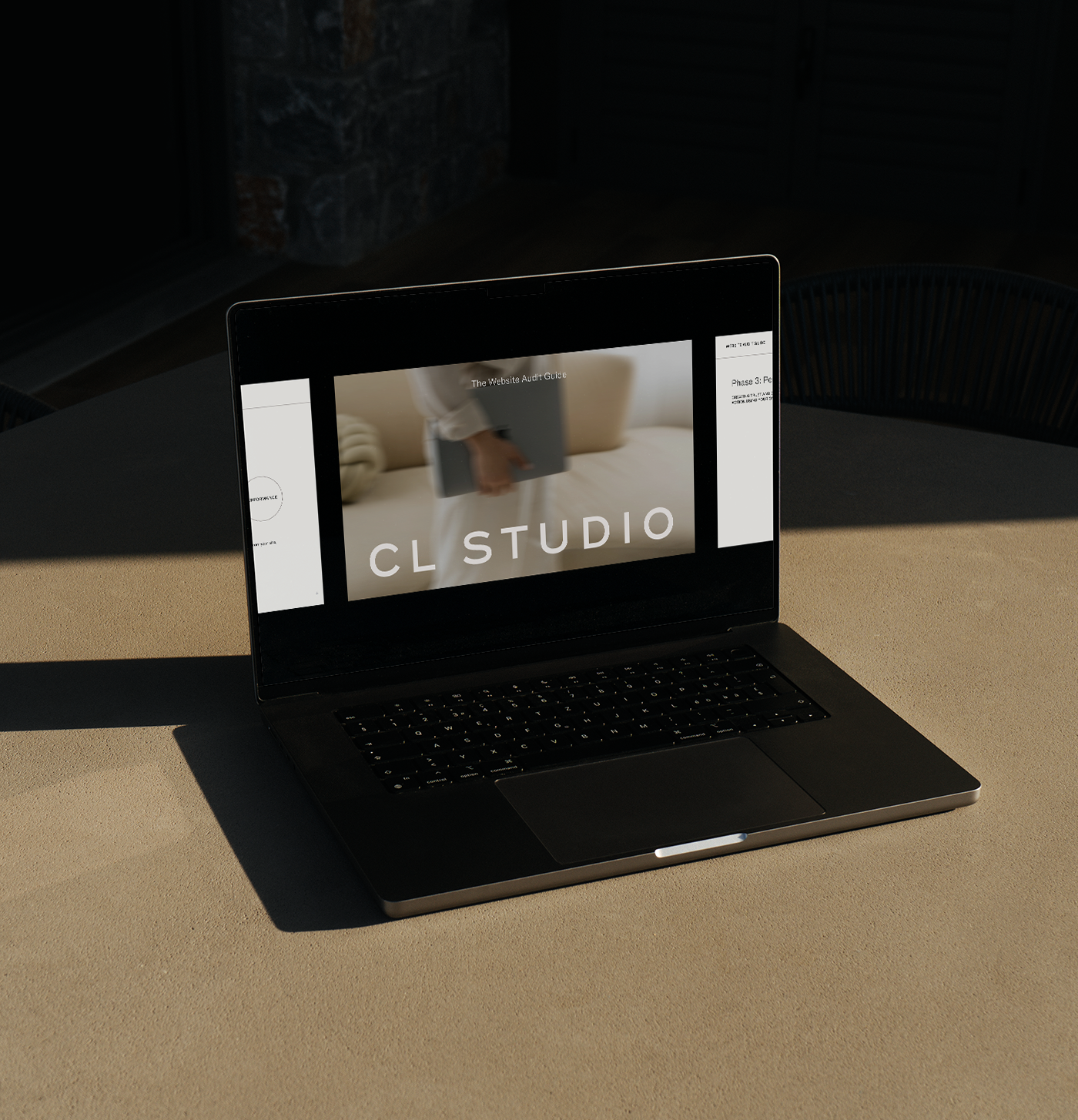
get the free website audit guide
Not sure if your website is working as hard as it should be?
After nearly a decade of specializing in web design for small businesses, we know exactly where things tend to fall apart. That’s why we created our free website audit guide, to help you quickly spot what’s working, what’s not, and where to focus next.
Caption Your Videos. Your Audience Will Thank You.
If you have video or audio on your website, whether it is a brand story reel, a client testimonial, a podcast embed, or a tutorial, captions and transcripts make that content accessible to users who are deaf or hard of hearing. They also benefit anyone watching in a sound-sensitive environment, or anyone who simply processes information better through reading.
Tools like Rev, Otter.ai, and even YouTube's built-in captioning feature make this far less time-consuming than it sounds. Small effort. Big payoff.
Write Link Text That Actually Means Something
A huge missed opportunity we see as a creative agency for small businesses are links that just say "click here" or "read more" are everywhere. And while they feel conversational, they create a real problem for screen reader users who often navigate between links without reading the surrounding text. Without context baked into the link itself, those words tell them absolutely nothing about where they are headed.
Instead, write link text that describes the destination clearly. Think "Explore our brand strategy services" or "Book your discovery call" instead of the generic alternative. Every user, regardless of how they navigate, deserves the information they need to make a confident decision. That is the kind of brand experience that builds real trust and wins over clients.
Run a Free Accessibility Audit Before You Do Anything Else
Before you start making changes, it helps to know exactly where your site stands. Accessibility auditing tools scan your website and flag issues you would likely never catch on your own. A few worth bookmarking:
WAVE Web Accessibility Evaluation Tool: A free browser extension that overlays accessibility feedback directly on your live site so you can see exactly where issues appear.
Google Lighthouse: Built into Chrome DevTools, it scores your site on accessibility alongside performance and SEO so you get a full picture in one place.
accessScan by accessiBe: A quick, beginner-friendly scan that gives you a clear summary of where to start without overwhelming you.
Running a scan takes under five minutes and gives you a concrete starting point instead of guessing where to focus your energy. That is the kind of clarity that actually moves things forward.
Accessibility Is a Brand Value,
Not a Bonus Feature
Here is what we believe at CL Studio: a brand is only as strong as the experience it creates for every person who encounters it.
Not just the person with perfect vision and fast internet on a brand new laptop. Every person.
As a boutique branding agency, we know that building an accessible website is an act of intention. It says that your brand was built for people, all of them, and that showing up well means showing up for everyone who finds you. That is the kind of brand with real staying power. Not just one that looks great at launch, but one that earns trust consistently, over time, at every single touchpoint.
Start with one area or page and run the audit. Fix the items you need to fix one by one like contrast, adding the alt text, etc. Small, consistent actions add up to a website that truly works for the people who find it.
And if your website is overdue for a refresh that is not only beautiful and strategic but built with accessibility, intention, and longevity in mind, this is your sign. Good brands show up. Great brands own the room for everyone in it.
If you’re ready to build a website that works as hard as you do and welcomes every person who lands on it, we’d love to be your next brand ally.

Hi there! I'm so glad you found us in this corner of the internet.
I'm Chloe Leonard, the founder of CL Studio, a boutique creative agency based in Nashville, TN. After 10 years of working with hundreds of clients, including Almost 30 Podcast, Clearstem Skincare, Harper Collins, and Free People, I've become more passionate than ever about giving founders the clarity and tools to build brands that TRULY stand out.
We help service-based and eCommerce businesses move from DIY beginnings to fully-realized. brands – built with confidence and longevity in mind. Because good brands show up, but great brands own the room for years to come.